Step 4. Click Allow

Step 5. Click OK.

Step 5. Type the following URL exactly as shown here: https://www.iptvsmarters.com/smarters.apk and click Go.

Step 6. Wait for the file to download.

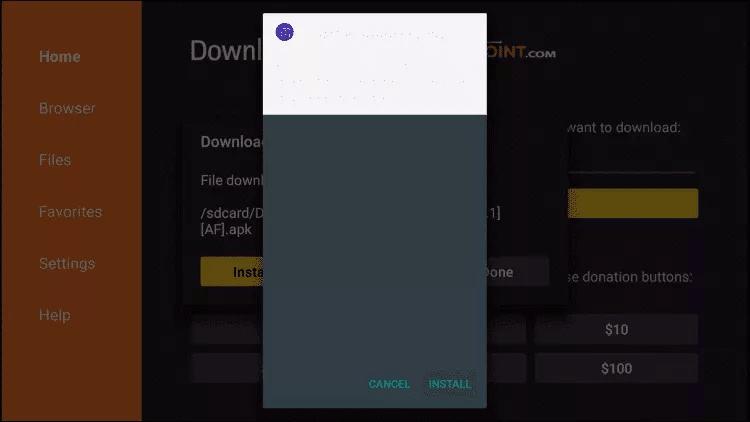
Step 7. Click Install.
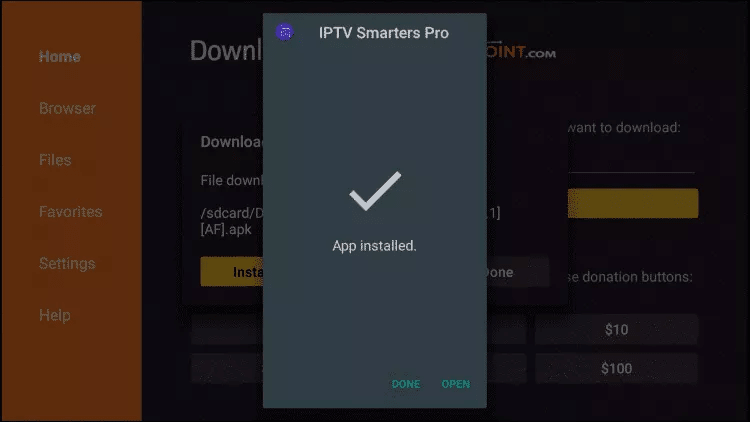
Step 8. Click Done.
Step 4. Click Allow
Step 5. Click OK.
Step 5. Type the following URL exactly as shown here: https://www.iptvsmarters.com/smarters.apk and click Go.
Step 6. Wait for the file to download.
Step 7. Click Install.
Step 8. Click Done.