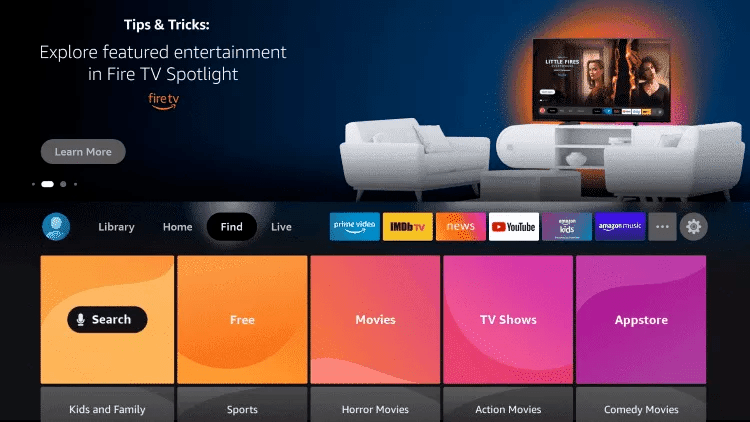
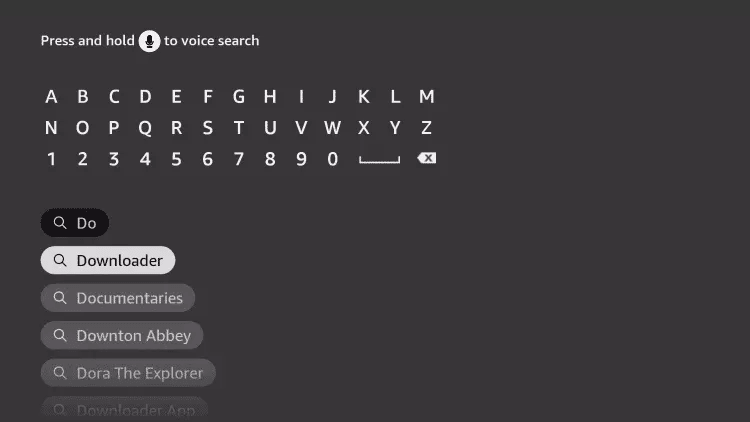
2. Click Search.
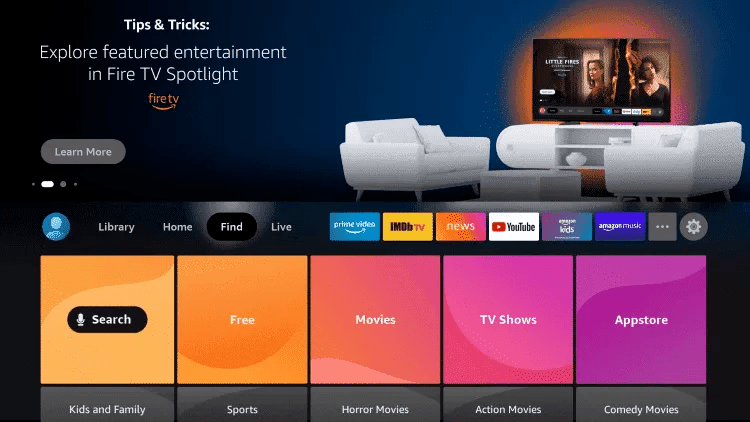
3. Search for and select Downloader.
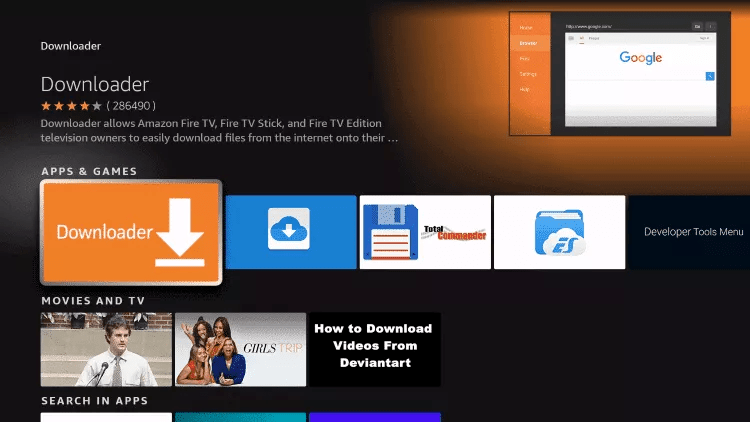
4. Choose the Downloader app.
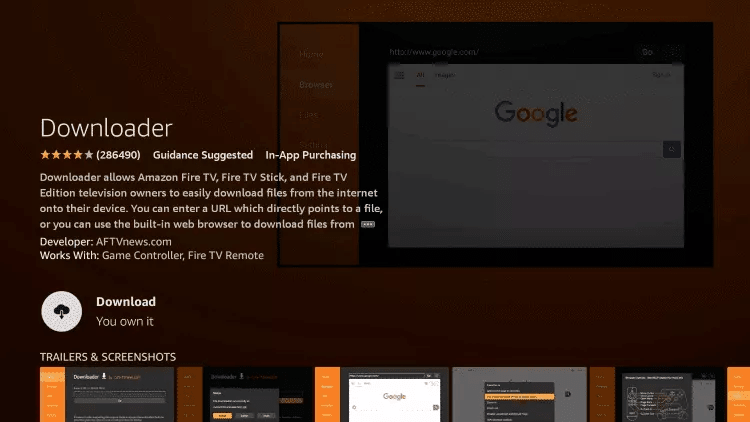
5. Click Download.
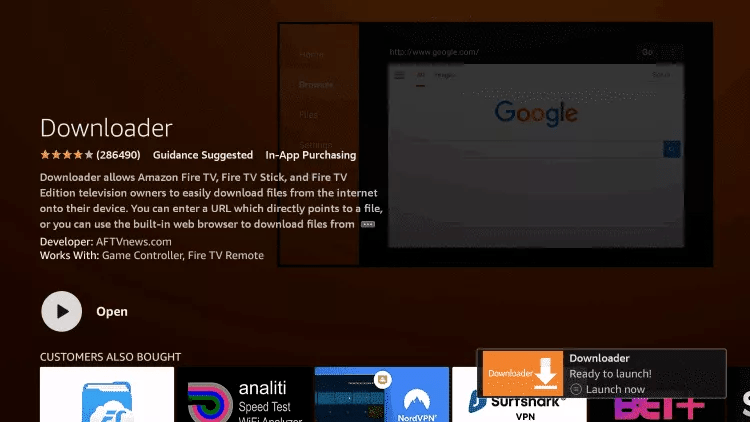
6. Once the app finishes installing click Open.
7. Return to the home screen and open Settings.
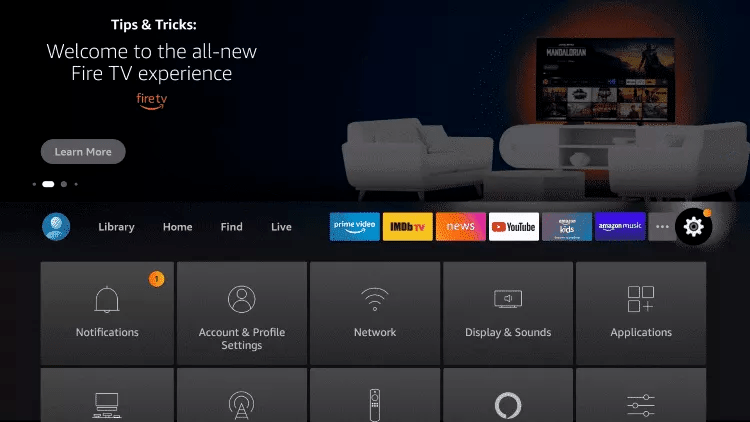
8. Click My Fire TV.

9. Choose Developer options.
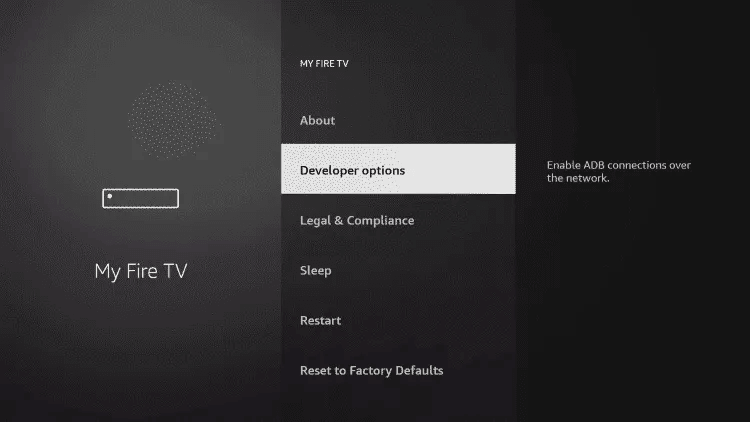
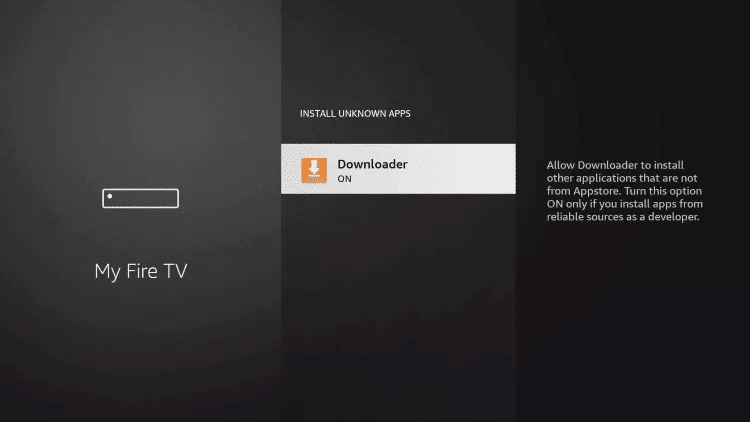
10. Click Install unknown apps.

11. Find the Downloader app and click it.

12. This will turn Unknown Sources to On for the Downloader app. This will enable side-loading on your device.
13. Launch Downloader.
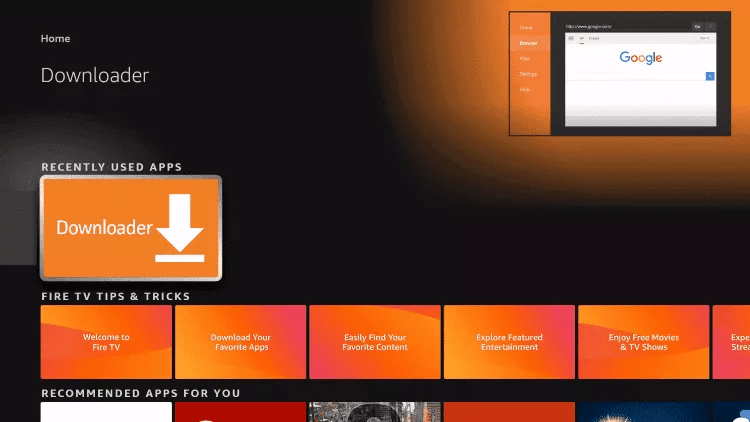
14. Click Allow.

15. Click OK.

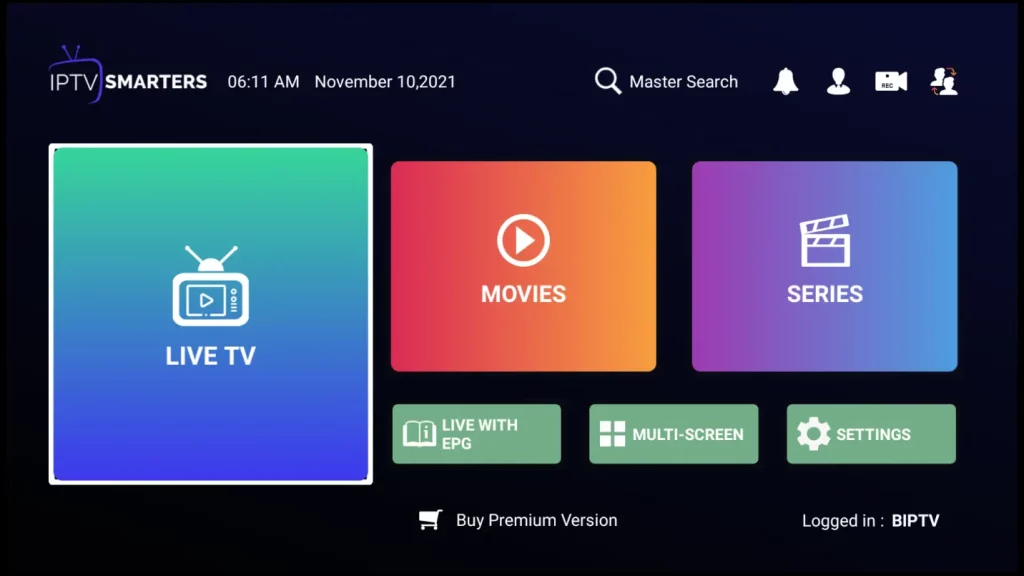
16. Type the following URL exactly as shown here: https://www.iptvsmarters.com/smarters.apk and click Go.

17. Wait for file to download

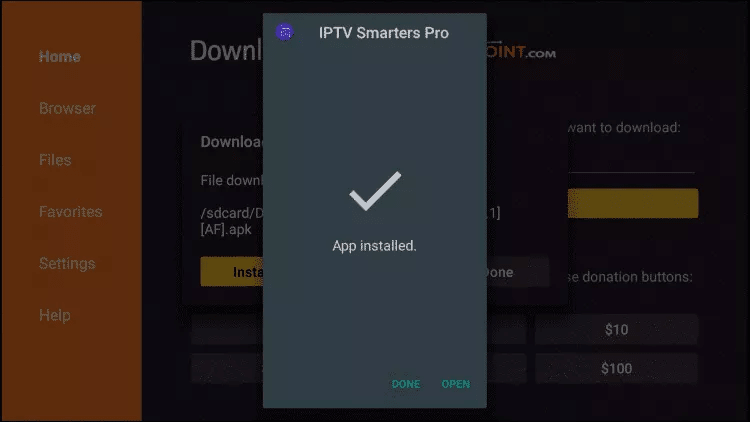
18. Click Install.
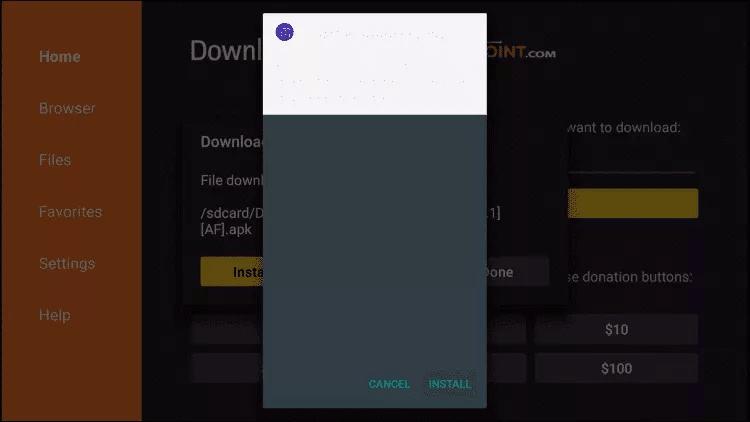
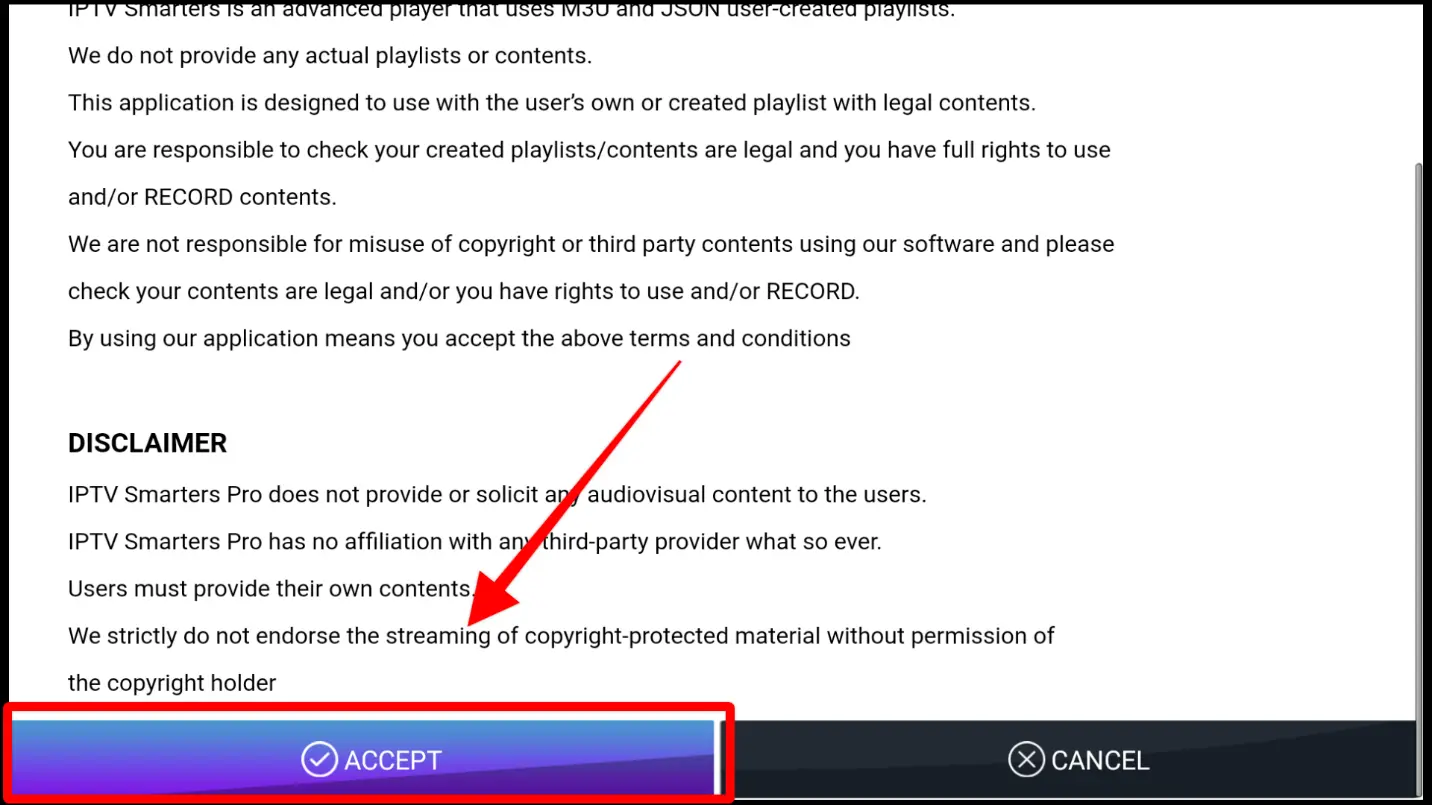
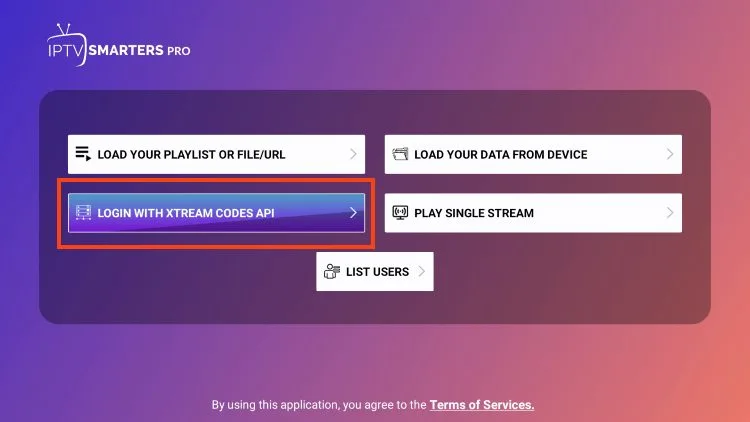
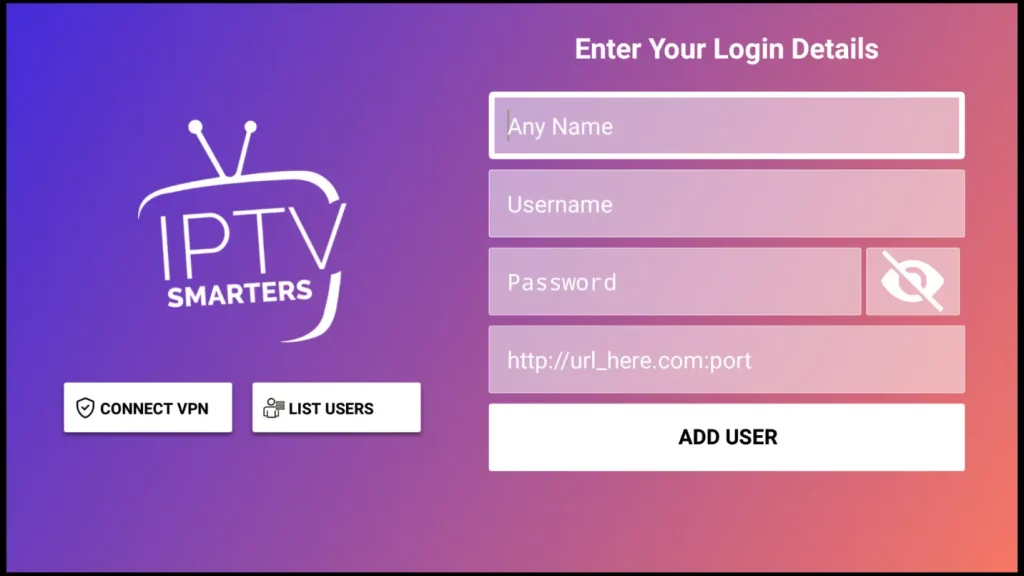
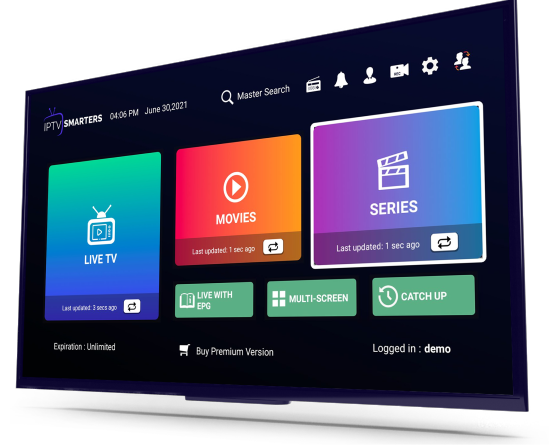
19. Open The App.