Setup Guide For LG TV
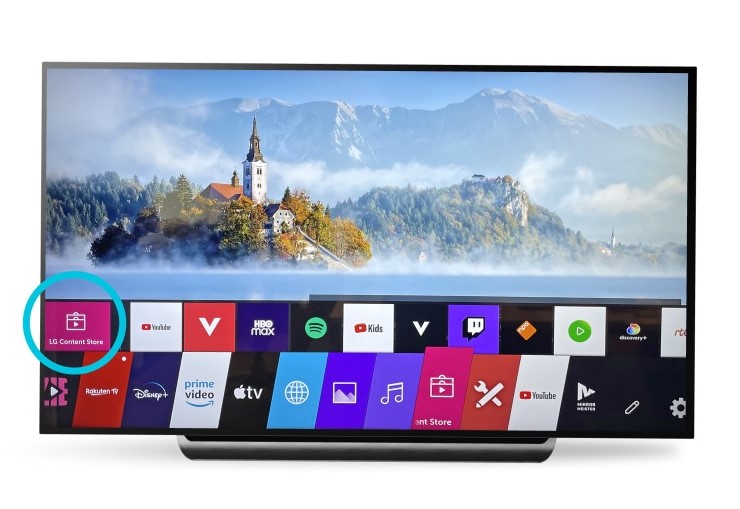
Step 1. Press the Home button on your Smart Remote, then navigate to LG Content Store.
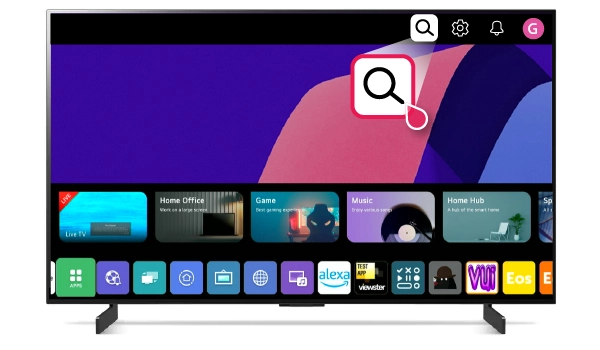
Step 2. Then select the Search icon in the top-right corner.
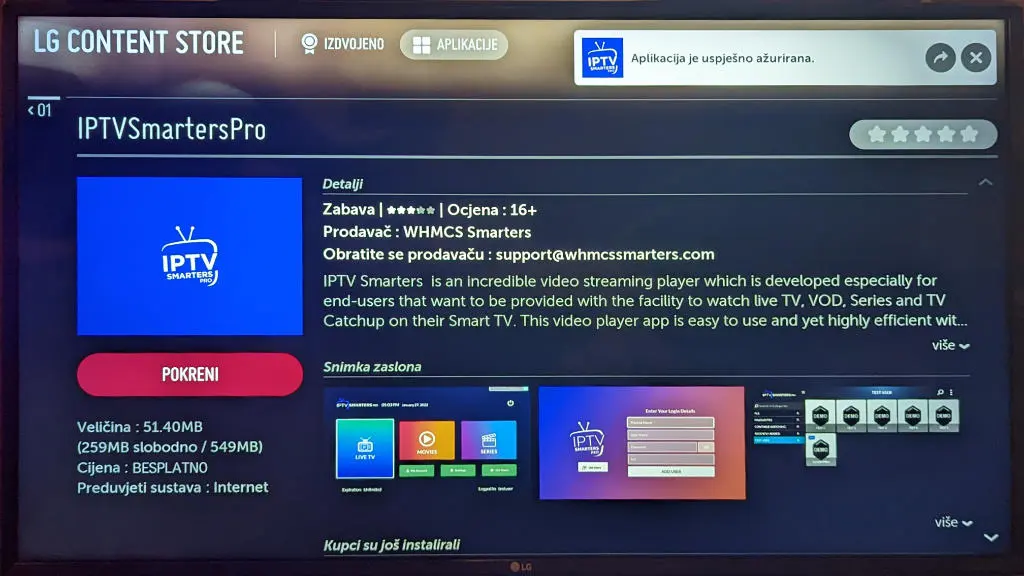
Step 3. Enter the App Name “IPTV Smarters Pro” and Install it.
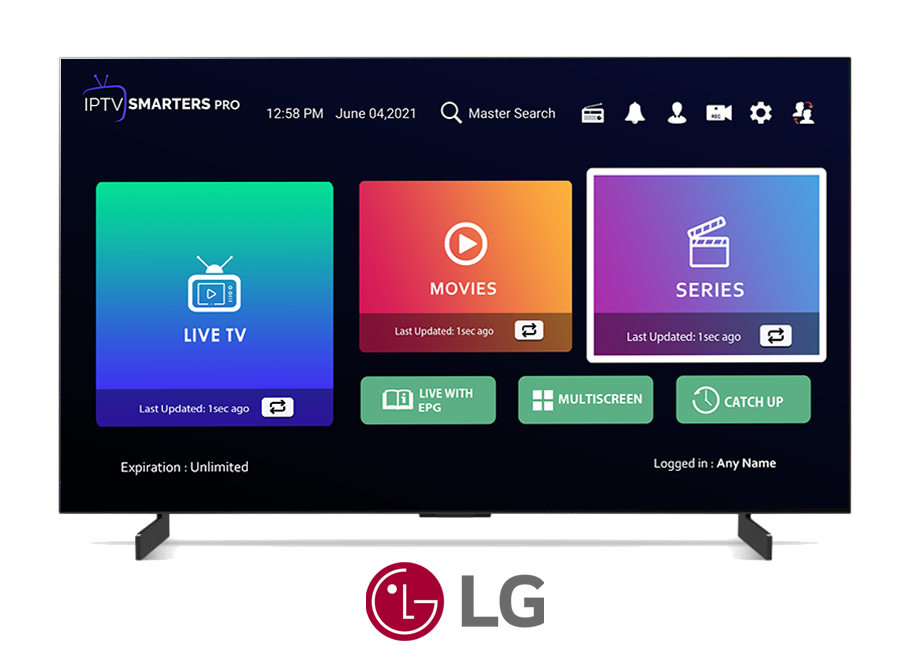
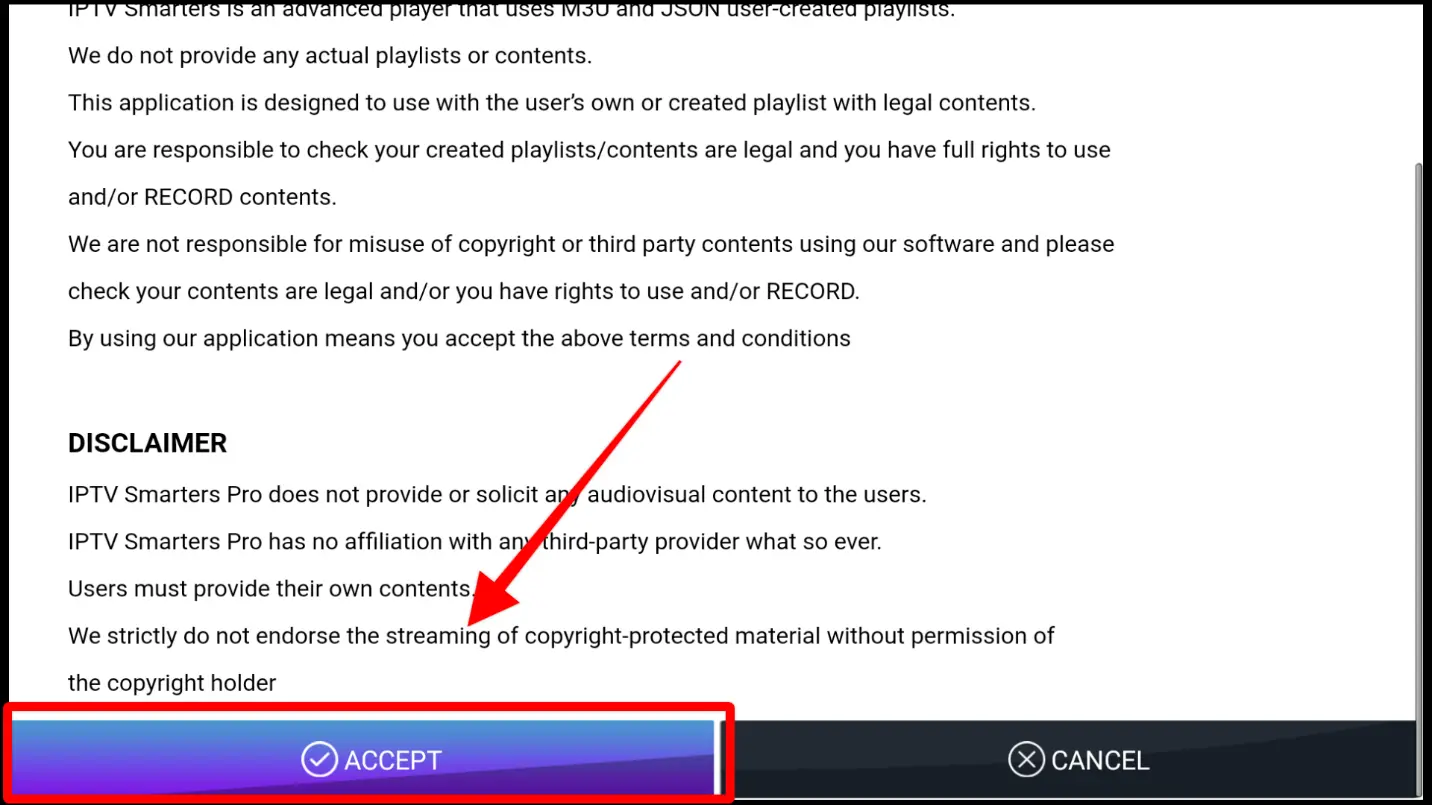
Step 4. Open the Application and Accept the “License Agreement”.
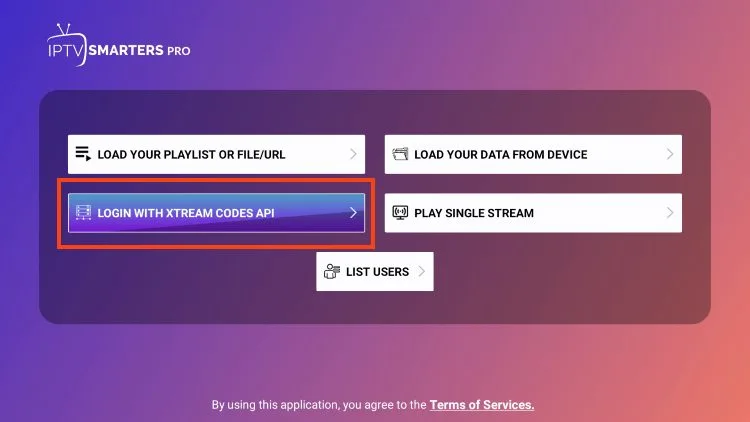
Step 5. Choose Xtream Codes API (XC Codes API)
Step 6. Enter Your Playlist Details ( Username, Password, and Server URL).
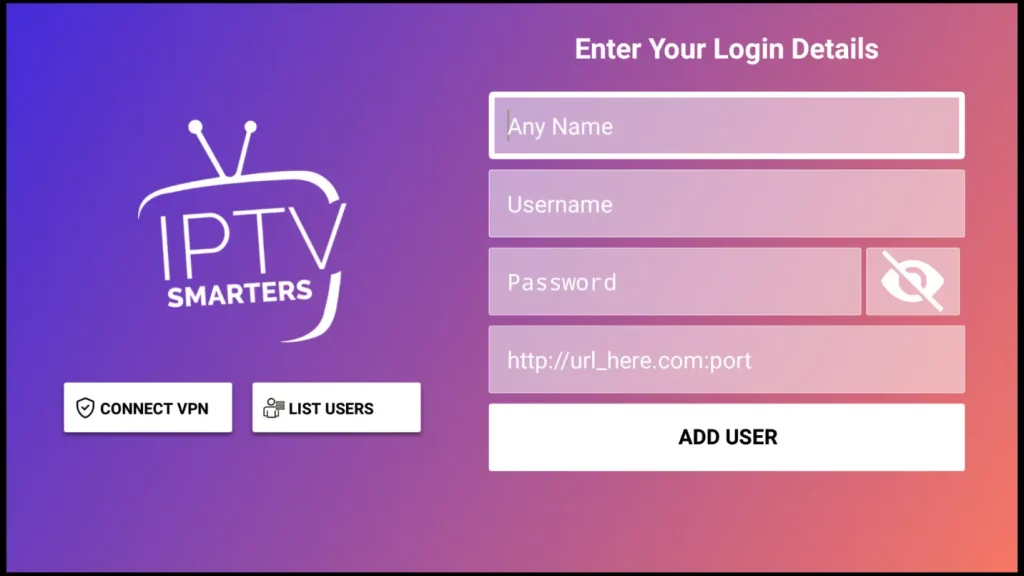
Step 7. Click on “ADD USER”
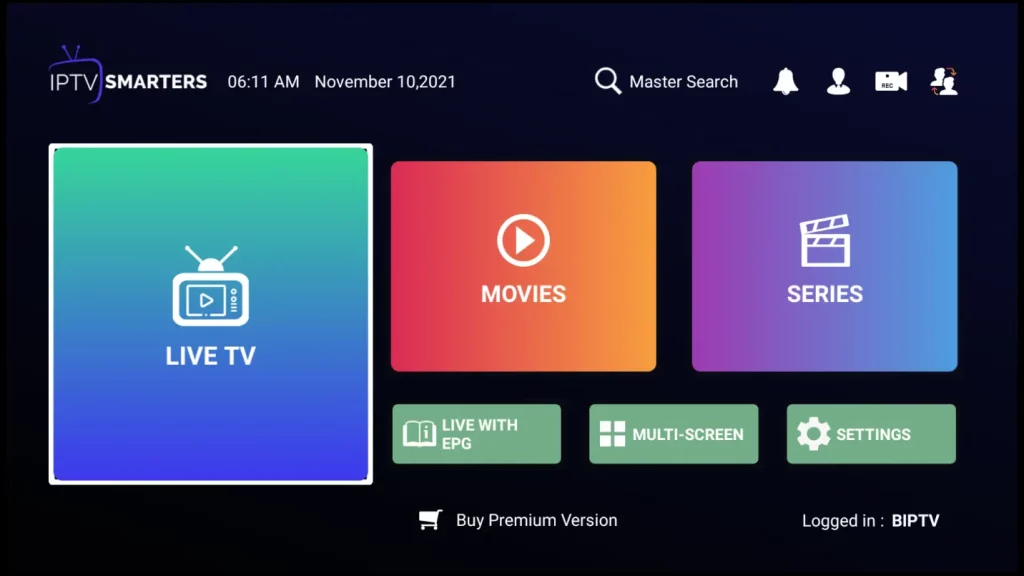
Now you can Select The Category That you want to watch